


- Neuf


Votre avis nous intéresse. Cela ne vous prendra pas plus d'une minute.
10 % de réduction sur votre première commande avec le code: 10%
Excellent sur Trustpilot★

✨Livraison Gratuite✨

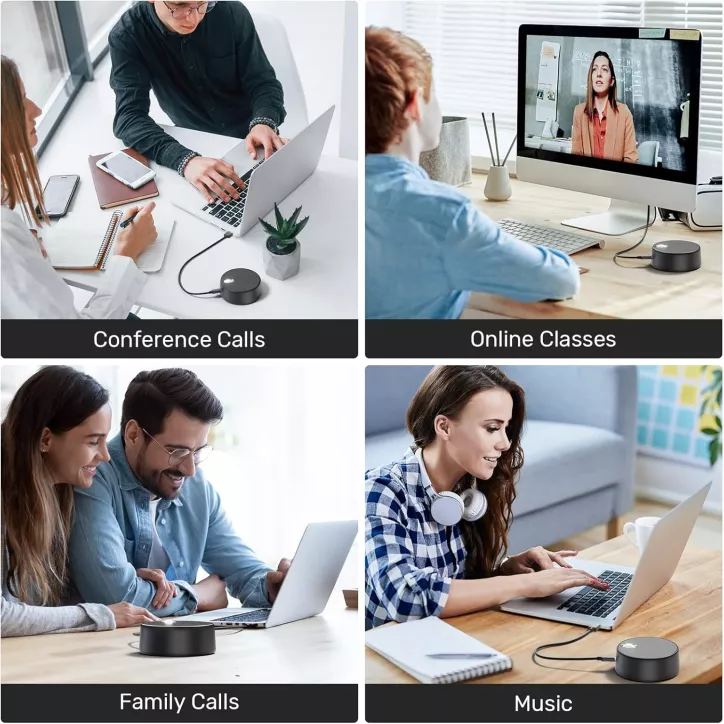
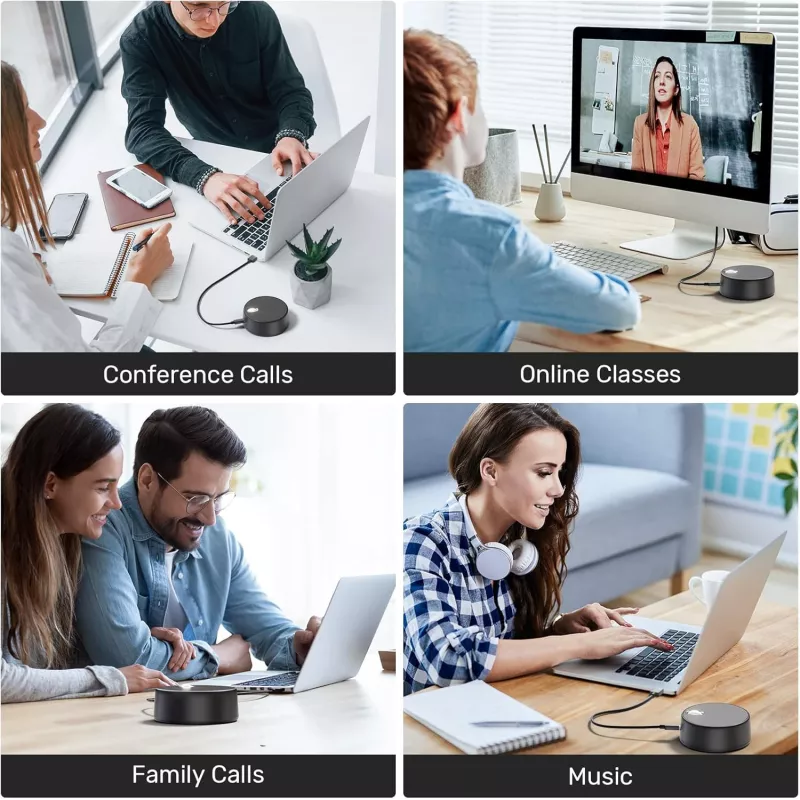
Découvrez le dernier haut-parleur USB d'ordinateur avec microphone intégré, conçu pour les appels mains libres, les réunions ou les cours en ligne. Il offre un son clair et puissant grâce à son haut-parleur de 3W, garantissant une expérience audio immersive dans toutes vos communications.

Profitez de trois modes sonores distincts pour adapter la sortie audio à vos besoins. Que vous regardiez des vidéos, participiez à une réunion ou écoutiez de la musique, ces modes optimisent la qualité sonore pour une clarté maximale.

Cet ensemble haut-parleur-microphone est conçu pour améliorer vos conférences à domicile ou en télétravail. Facile à utiliser et compatible avec Zoom, il garantit une communication fluide avec une capture vocale enrichie et un son clair.

Pour activer ou désactiver, maintenez le bouton multifonction enfoncé pendant 2 secondes. Choisissez l'égaliseur en appuyant sur ce même bouton. Le volume se règle facilement avec la molette de défilement qui sert également pour lire ou mettre en pause la musique.

Le haut-parleur USB est équipé d'un câble détachable de 1,2 mètre, assez long pour se connecter à votre ordinateur portable ou port USB d'ordinateur. Ce câble amovible facilite le rangement et le transport, idéal pour les déplacements.

Avec sa taille compacte de 10.5 x 10.3 x 4.8 cm, ce haut-parleur USB est facilement transportable. Emmenez-le partout avec vous, que ce soit pour un voyage d'affaires ou des vacances, sans compromis sur la qualité du son.

La configuration de ces haut-parleurs USB est simple et rapide. Branchez-le sur le port USB de votre ordinateur, sélectionnez-le comme périphérique audio dans les paramètres système, et profitez immédiatement d'un son de haute qualité pour tous vos besoins numériques.


Pour utiliser ce haut-parleur sur Windows, insérez-le dans le port USB de votre ordinateur. Ensuite, cliquez sur l'icône du son dans la barre des tâches, développez la liste des sorties audio et sélectionnez « USB » comme périphérique par défaut pour un son optimal.
Références spécifiques
Performances soignées, quelques limites à envisager
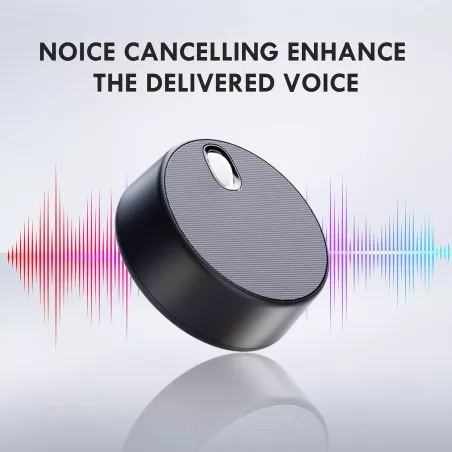
Ces haut-parleurs USB impressionnent par leur simplicité d'installation et la qualité sonore, grâce à la réduction efficace du bruit et aux modes audio adaptés à chaque usage. Toutefois, l'absence de configuration personnalisée ou d'application dédiée limite les réglages avancés pour les audiophiles exigeants. Dans l'ensemble, c'est une solution audio pratique et polyvalente, idéale pour ceux qui recherchent une expérience claire et sans complications sur leur ordinateur portable ou de bureau.
Comment ces haut-parleurs ont transformé mes réunions en ligne
Cherchant une solution simple pour mieux entendre mes collègues lors de mes visioconférences, j'ai opté pour ces haut-parleurs USB. Avant, le son était toujours étouffé et je manquais des informations clés, mais depuis que je les utilise, la clarté audio rend chaque échange plus fluide et agréable. Leur installation ultra facile m’a fait gagner un temps précieux, et leur légèreté me permet de les emporter partout, ce qui a véritablement simplifié mon quotidien professionnel.
✨Livraison Gratuite✨