


- New


Your feedback matters. This will take less than one minute.

✨Free delivery✨

Experience golf anytime and anywhere with the PHIGOLF Home Golf Game Simulator. Designed for both indoor and outdoor environments, it features interactive play through its motion sensor and swing stick, delivering authentic and enjoyable golf experience at your convenience.

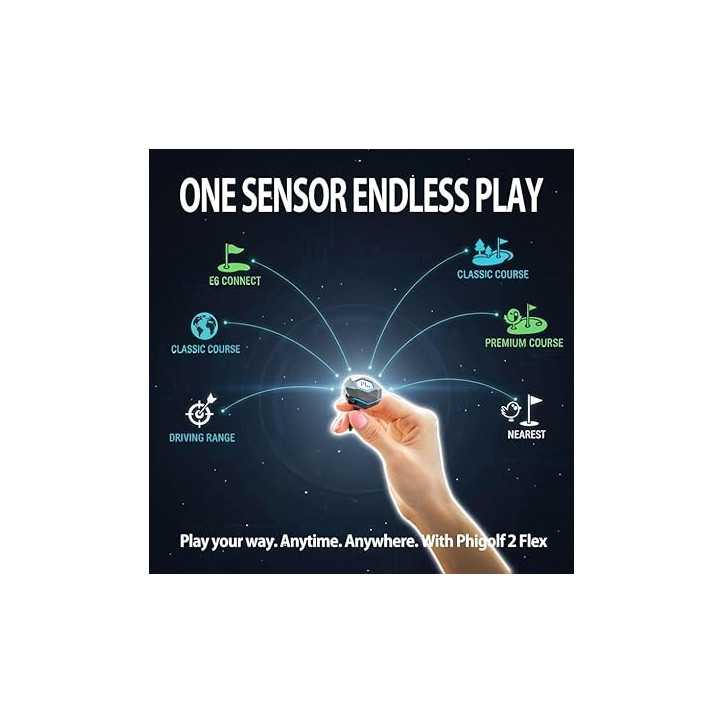
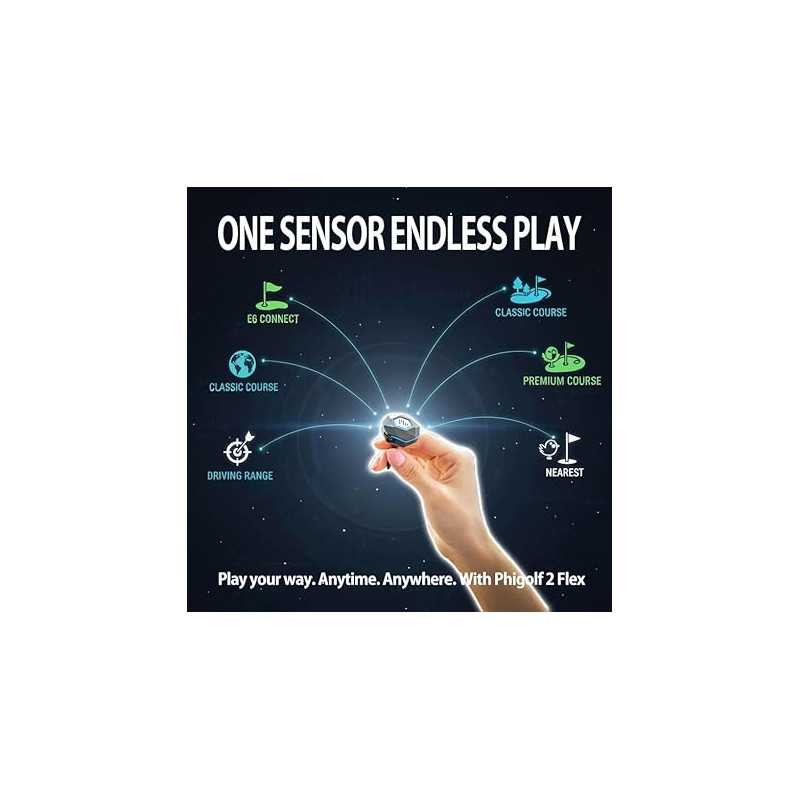
Access an impressive library of over 38,000 real-world golf courses from around the globe, including 38 premium E6 Connect courses. Immerse yourself in stunningly realistic graphics and detailed layouts that replicate the world's finest golf destinations.

Dive into multiple engaging game modes such as Practice Mode, Speed Golf, Rush Mode, and the entertaining Crazy Birdie casual game. This variety keeps every session fresh and entertaining for players of all skill levels.

Improve your game with detailed swing analysis including head speed, swing tempo, club path, face angle, attack angle, and projected shot distance. Gain valuable insights for smarter practice and noticeable performance improvements.

Easily attach the motion sensor to your golf clubs or the included swing stick for instant tracking. This flexibility allows you to simulate a true golf experience without limitations, indoors or outdoors.
What devices are compatible with Phigolf 2 Flex?
Phigolf 2 Flex works with most iOS devices requiring A11 chip or newer and at least 4GB RAM, and Android devices with Android 10 or newer and 8GB RAM. It also supports TV display via casting or HDMI connection, recommending at least 500MB of free storage for optimal performance.
How simple is the setup?
Setup is straightforward: charge the sensor, enable Bluetooth and location on your phone, attach it to the club grip, hold power button for 5 seconds until LED blinks, then open the app to auto-detect and pair. Avoid connecting via Bluetooth settings directly.
How many courses can I play?
The simulator includes 9 Classic, 8 Premium courses, more than 38,000 World Tour courses, and 38 E6 Connect courses. Some courses require a subscription to unlock.
How to connect the sensor?
To connect, enable Bluetooth and location on your smartphone, then press and hold the sensor’s power button for 5 seconds until the LED blinks alternately. Open the app afterward to automatically detect and pair with your device.
Can I use my own golf clubs?
Absolutely. The sensor detaches from the included swing stick and can be mounted on your own golf clubs, offering a more realistic and familiar playing experience suited to your personal equipment.
Specific References
Surprisingly Addictive Golf Practice in a Carry-On
This feels way closer to real range work than I expected from a stick and a sensor. The Bluetooth setup was quick, and within minutes I was playing a round at Pebble Beach in my living room, tracking my slice and actually seeing it tighten up over a few sessions. Being able to pop the sensor onto my 7-iron and hit real balls in the backyard sealed it for me—this isn’t a toy, it’s a genuinely useful training tool that happens to be fun.
More Portable and Game-Like Than My Old Net Setup
I used to practice with a basic hitting net and foam balls plus a budget launch monitor. The Phigolf2 Flex feels completely different in daily use: I can set it up in about a minute in my living room or hotel room, and I don’t need a net or real balls to get a satisfying practice session. The big upgrade for me is how many real-world courses I can play in the app and how easy it is to bring on trips—those two changes honestly made me practice more often, even though the swing feel isn’t quite as ‘real’ as smacking actual balls into a net.
Honestly Thought It Was a Gimmick…Now I Pack It for Every Trip
I almost skipped the Phigolf2 Flex because I’ve been burned by “portable simulators” that were either glitchy or felt nothing like a real swing. The idea of a tiny 9.8g USB-C sensor and a stubby stick pretending to be a golf club sounded like another toy, not a training tool. The turning point was when I paired it via Bluetooth in under a minute and started playing one of the HD courses—the swing feedback and shot shapes matched what I’d expect with my real clubs, and the lag I was worried about just wasn’t there. Being able to drop the sensor into my own clubs and hit real balls outside sealed it for me; now it’s my go-to way to practice in hotel rooms and at home without needing a net or a pile of balls.
✨Free delivery✨