


- New



Your feedback matters. This will take less than one minute.

✨Free delivery✨
Experience creativity at your fingertips with the Wacom Intuos Small Graphics Drawing Tablet. This versatile tool includes a battery-free pen, intuitive software, and comprehensive training to help you unleash your artistic potential. Compatible across Chromebook, Mac, Android, and Windows, it features 4 customizable ExpressKeys allowing quick access to your favorite shortcuts. Designed for beginners and professionals alike, this black tablet brings natural pen pressure and precision to your digital creations.

Everything you need to start creating: the tablet, a battery-free pen, creative software, and expert training. This complete set is bundled at a beginner-friendly price from a pen technology company trusted by professionals for over 40 years, delivering quality and reliability in every stroke.

Not just a tablet – it's a full creative solution. Includes 2 years of CLIP STUDIO PAINT PRO, 12 months of Boris FX Optics, plus trial access to Corel Painter, Corel Aftershot, Magma, Luminar Neo, and Concepts. Also get Skillshare training courses to help you master your craft. Register your tablet to unlock this exclusive package.

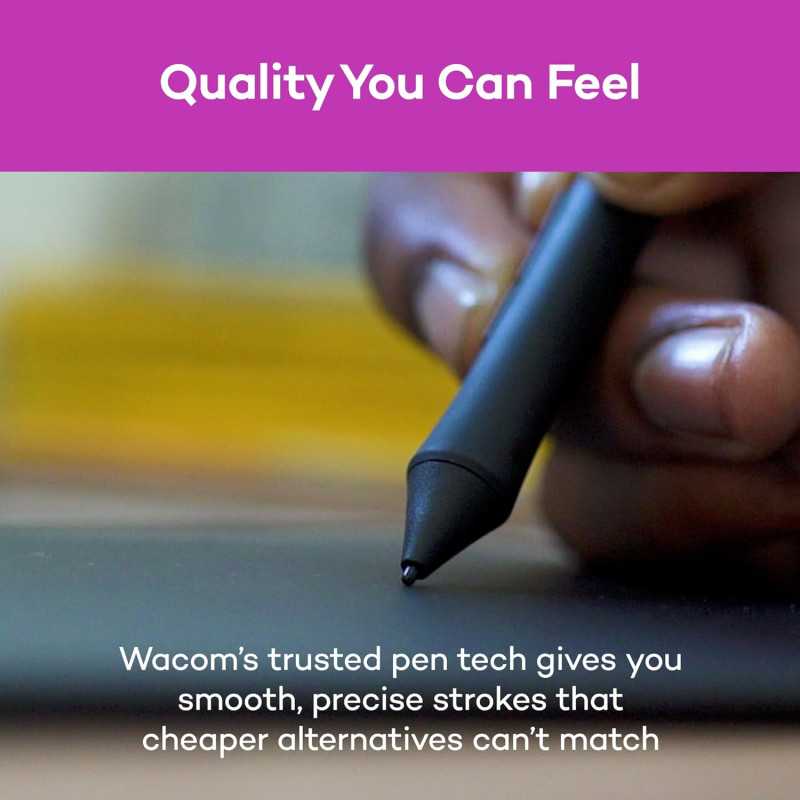
The battery-free pressure-sensitive pen guarantees uninterrupted creativity—no dead batteries, lag, or jittery lines. Wacom’s EMR technology ensures the pen is responsive from the first stroke to the thousandth, maintaining smooth and consistent performance even after months and years of use.

Wacom Intuos offers durable construction and stable drivers that remain compatible with every OS update. Supported by a responsive customer care team, this tablet is designed for long-term use and grows with your skills, providing value beyond just the purchase price.

Designed to simplify your creative process, the battery-free pen never requires charging and provides natural pressure sensitivity. Four customizable ExpressKeys keep essential shortcuts handy, helping you stay focused. Compatible with Chromebook, Windows, Mac, and all major creative software, so you can start creating right away.

Create manga, characters, or digital paintings with pen precision. Your pen transforms into pencil for sketches, brush for bold strokes, or eraser for corrections. The pressure-sensitive pen reacts instantly, making digital art feel as natural as working on paper.

Perfect for logo design, school projects, or visual brainstorming, the tablet offers precise pen control. Create smooth curves, accurate colors, and refined details effortlessly. ExpressKeys give you instant shortcut access, keeping your creative flow uninterrupted.

Edit photos with pen precision rather than a mouse. Make perfect selections, smooth imperfections, and add eye-catching effects. The pressure sensitivity provides natural control, making your photo edits feel intuitive and professional.

Capture ideas and annotate documents easily in platforms like OneNote, Canvas, or PowerPoint. Many educators appreciate the wireless capability, enabling control of their computer while moving around, enhancing interactive teaching and presentations.

Choosing your first drawing tablet is an important decision. Wacom provides peace of mind through exceptional Japanese engineering, a robust software and training bundle, and a dedicated customer care team. With drivers that stay stable after OS updates and a build that lasts for years, Wacom delivers measurable value trusted by professionals and beginners for over four decades.
Specific References
Feels Like Real Paper, Without the Fuss
This little Intuos completely changed how I sketch on my laptop—pen tracking is so smooth it honestly feels like drawing in a real sketchbook. I was able to rough out a logo concept, refine the lines, and do precise masking in Photoshop much faster than with my old budget tablet. The only downside is the small active area can feel cramped for big sweeping strokes, but for desk setups and travel it’s a powerful, accurate workhorse.
My creativity jumped a level the very first day!
I am genuinely blown away by how natural this tablet feels—Wacom’s EMR pen really does mimic pen-on-paper, and the precision is on a whole different level from anything I’ve used before. What surprised me most was how perfectly it worked with all my software right out of the box, plus the included creative apps and online training pushed me to try techniques I’d never explored. It’s compact, insanely responsive, and has turned sketching, editing, and even quick document markups into something I look forward to every single day.
Fantastic pen feel and accuracy
The pen-on-paper feel and accuracy on this Wacom Intuos Small are outstanding, especially with the battery-free EMR pen that never needs charging and feels incredibly natural for sketching and retouching. It plays nicely with all the major art and photo-editing programs I use, and the included creative software and training are a real bonus if you’re just getting started. Very good it for students, and traveling artists who value precision and portability over a large drawing surface.
✨Free delivery✨