


- New


Your feedback matters. This will take less than one minute.

✨Free delivery✨
Ignite creativity and build engineering skills with the ACEBOTT Smart Robot Arm Car Kit. Designed for kids ages 8-12, this engaging STEM toy features 5 degrees of freedom, allowing users to explore robotics and coding through ESP32 Arduino and Python programming. Control the robot with both app and remote control, making it a perfect tech gift for children, teens, and even adults who love innovation and learning.




Specific References
My kids went from curious to full-on mini engineers in a weekend!
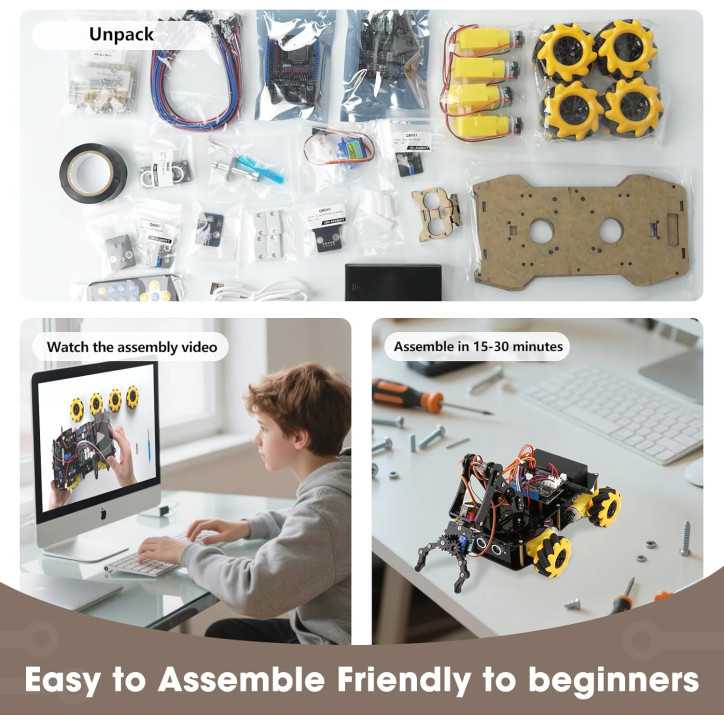
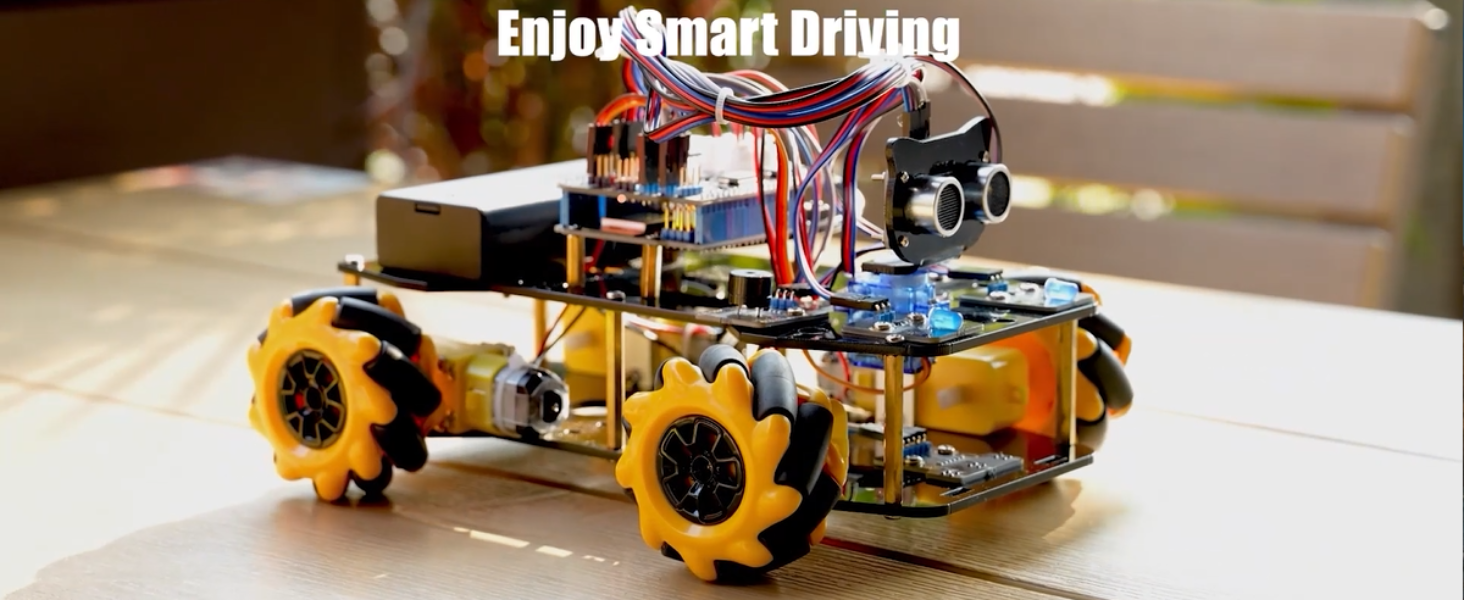
I’m honestly blown away by how quickly this programmable robotic arm turned into the star of our house! The guided tutorials and HD videos made what looked like a ‘serious’ robotics project totally doable, and watching my 10-year-old assemble, code, and then actually pick up and move objects with the 5DOF arm was beyond my expectations. The ESP32, dual controls (remote + app), and those crazy-cool 360° Mecanum wheels make it feel like a real lab-grade robot that can keep growing with add-ons instead of a toy they’ll forget in a week.
Turned Screen Time Into Build Time
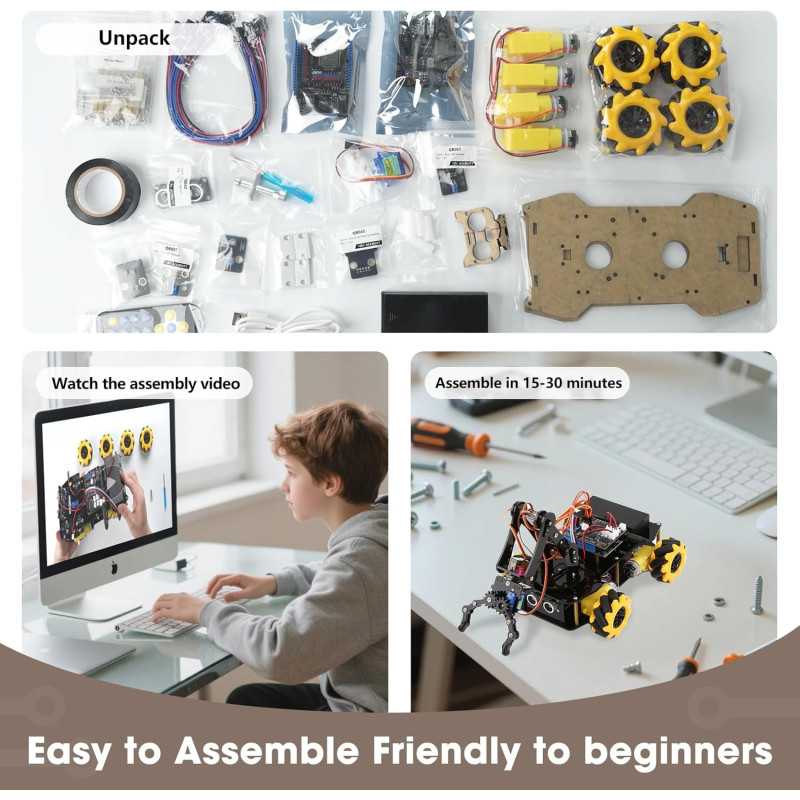
Before this robotic arm kit, weekend “STEM time” with my 11-year-old usually ended in frustration after 20 minutes of confusing instructions. Now he’s proudly driving his own 5DOF robot around the living room with the app, tweaking the code from the tutorials, and even planning add-ons with the expansion ports—our evenings feel more like a mini engineering lab than a battle over tablets.
So fun to work on this project
When we first unboxed this robotic arm kit, my 11-year-old was immediately drawn to how “real” the arm looked, especially the metal-like joints and the compact ESP32 controller board. I noticed right away that the base with the 360° Mecanum wheels feels solid and has a bit of weight, so it doesn’t tip over easily when the arm is fully extended and lifting small objects. The guided tutorials and HD videos have been the game changer for us: we followed them step by step over a couple of afternoons, and my kid went from just driving it with the IR remote to actually tweaking code in the app to change how fast the gripper closes. It’s become our go-to weekend project—he experiments with stacking blocks across the living room, we talk about angles and torque without it feeling like “school,” and we’re already looking at the camera add-on as the next upgrade once he’s mastered the basics.
✨Free delivery✨